
PC games. Right price.
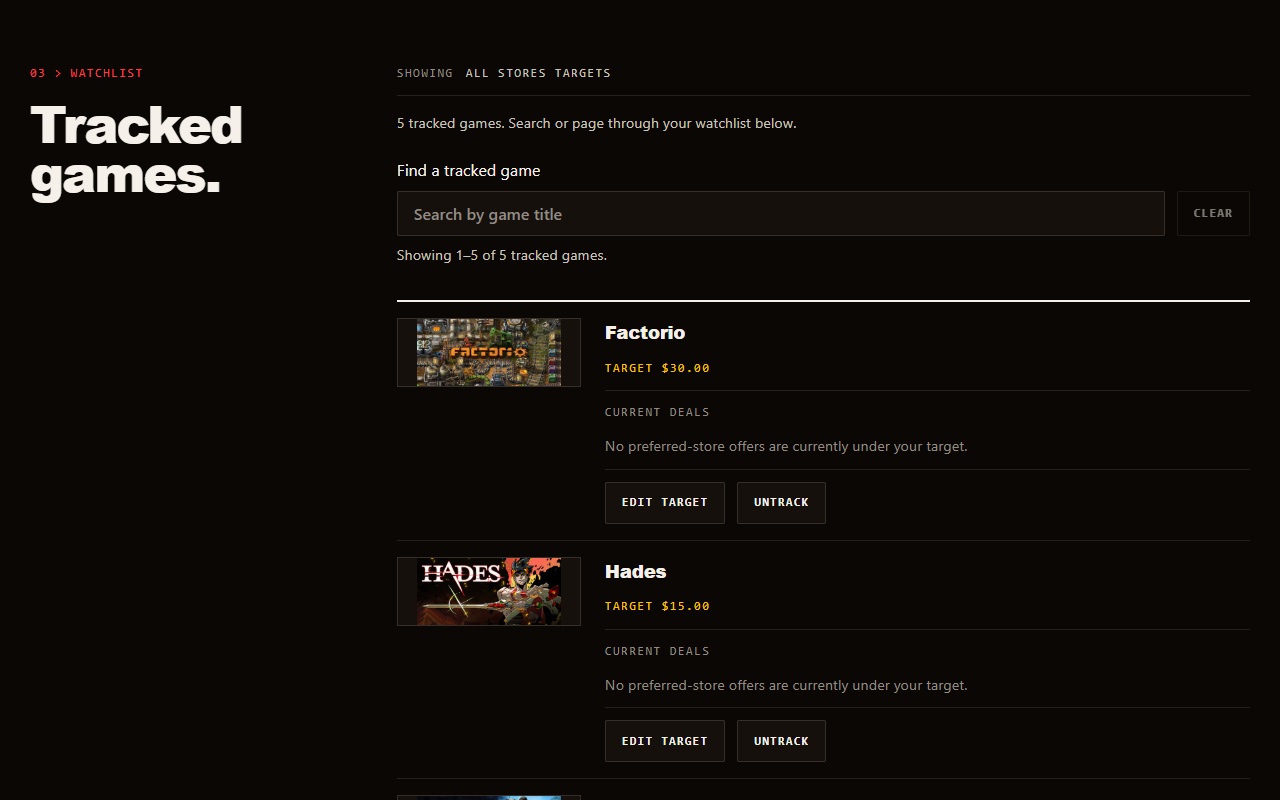
LazyDeals is a PC game price tracker for the games you want in one watchlist. Set target prices, and the extension checks the active pricing mode in the background.

No LazyDeals account required. Chrome link will appear after its listing is public.
Choose the mode that fits how you shop. Your saved targets remain when you switch modes; only the selected mode runs background checks.
Pick the price that matters to you.
All Stores
Set a USD target for each game. LazyDeals checks offers from the stores you prefer and shows a qualifying offer when its price falls below your target.
Preferred stores · USD targets
Regional
Set a target in the currency Steam returns to your browser for a Steam-linked game. LazyDeals compares only matching currencies; it does not convert prices.
Steam-linked games · returned currency
Bring your Steam wishlist in.
If you already keep a Steam wishlist, paste its Share link to preview matches and targets before saving. You can also find games one at a time.
Import is a manual shortcut, not a permanent Steam-account connection. Update it when you want to review the shared list again.
How wishlist import works- CopyUse Steam’s wishlist Share link.
- ReviewCheck matched games and targets.
- SaveTrack only the games you choose.
A budget for the whole group.
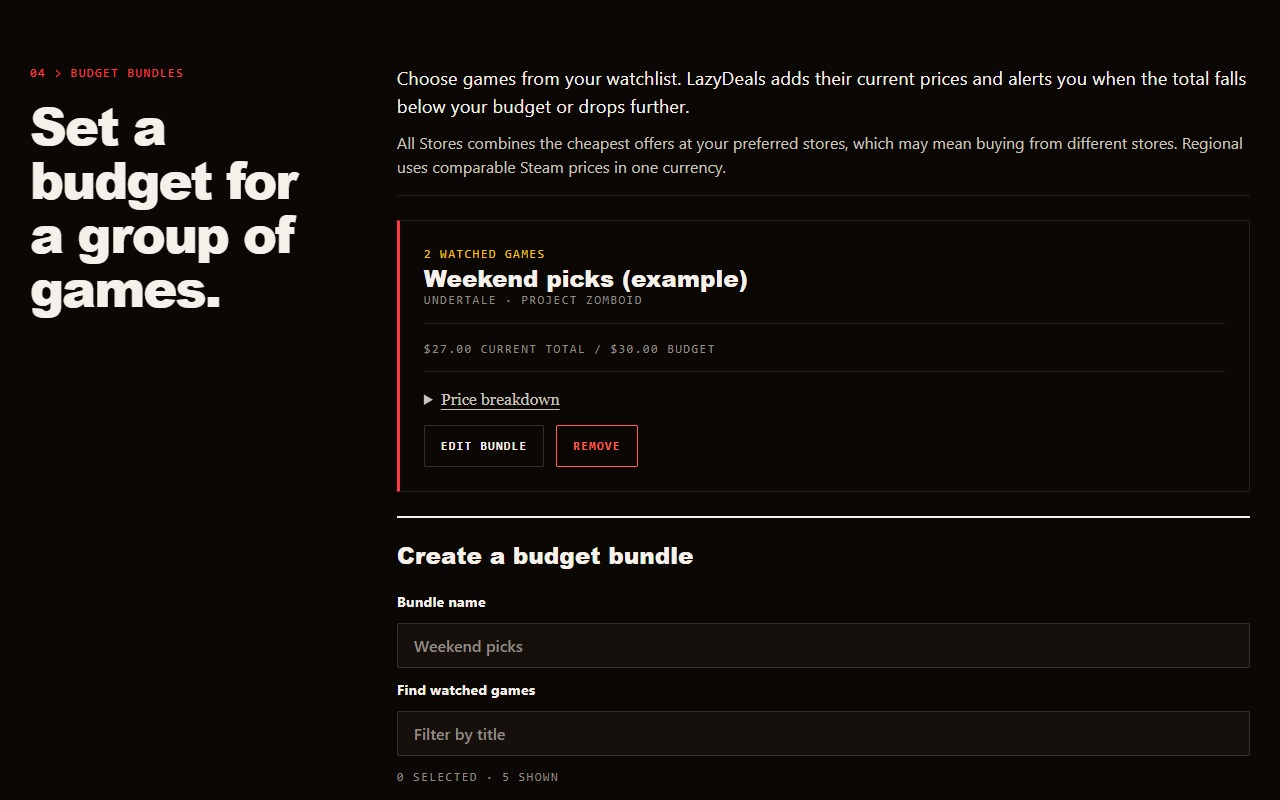
Put at least two watched games in a budget bundle. LazyDeals totals each game’s current eligible price and can alert you when the group falls under your saved budget or drops further.
Bundle budgets are separate for All Stores and Regional pricing. A bundle is a shopping plan, not a store-sold package.
Reported 100%-off offers.
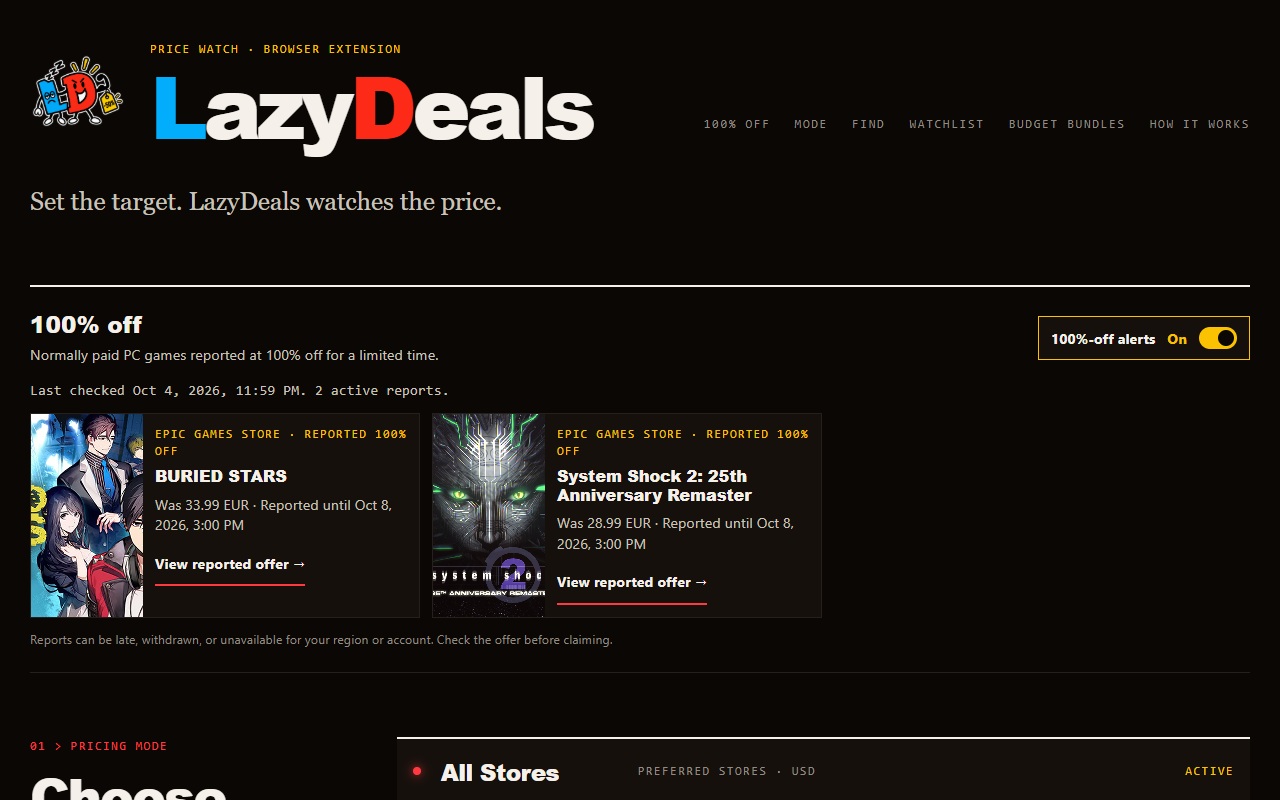
Browse a rail of normally paid PC games reported at 100% off in the full-page app. These reports are separate from your watchlist and pricing mode.
You can turn their notifications off without hiding the rail. Offers may be late, withdrawn, or unavailable for your region or account.
Always confirm the offer on the store page before claiming.
Before you install.
Do I need an account?
No LazyDeals account is required. Your watchlist choices are saved through your browser’s extension storage. Read the privacy policy.
Does switching modes lose my targets?
No. All Stores and Regional targets stay saved. Only the selected mode is checked in the background.
Will every Steam wishlist game match?
No. Some games have no verified match in the app’s game catalog. Review the matched games before saving; unmatched games cannot be monitored yet.
Is this a checkout or a game store?
No. LazyDeals helps monitor prices and reported offers. Purchases and claims happen at the relevant store.
Ready to watch your list?
Install the extension, choose a pricing mode, and set the targets that work for you.